Digitise school administration with Volvoq. See the modules live in a free demo.Book a demo →
Home
Features
Solutions
School ERP Modules
PricingAboutBlogContact Log inRegister your schoolBook a Demo
Education technology · School ERP CMS

One Smart Platform. A Better Way to Run Your School.

Bring admissions, student records, attendance, fees, examinations, communication, and school website management together with Volvoq School ERP CMS.

  • Multi-school ready
  • Parent & student portals
  • Role-based access
  • Works in any browser
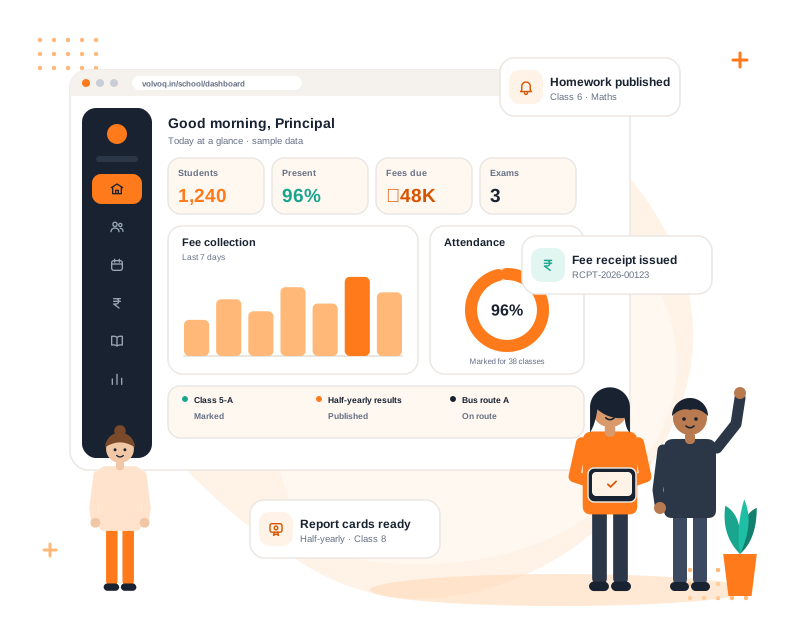
Volvoq school ERP dashboard with a teacher and students, showing attendance, fee receipts, homework and report cards
15Integrated modules
7Ready-made school roles
3Flexible plans
1Platform, many schools

Centralised records

Students, guardians, classes and fees share one source of truth.

Portals for families

Parents and students see only their own information.

Isolated and role-based

Each school’s data stays separate, and each role sees only what it needs.

School website CMSPlanned

Planned: manage the public school website alongside the ERP.

School administration challenges

Running a school should not mean running after paperwork

Most schools juggle registers, spreadsheets and chat groups. A centralised platform organises the same workflows in one place.

The challenge

Records spread across registers and sheets

With Volvoq

Student, guardian, class and fee details live in one searchable place, entered once and used everywhere.

The challenge

Attendance that takes too long to compile

With Volvoq

Teachers mark class-wise attendance in one screen and monthly reports are ready without manual totalling.

The challenge

Fee dues that are hard to trace

With Volvoq

Structures, partial payments and printable receipts, with pending dues visible by class.

The challenge

Result and report card preparation

With Volvoq

Marks entry with validation, grading scale and controlled publishing, so results go out only when complete.

The challenge

Parents who miss school updates

With Volvoq

Notices, homework, fees and results appear in a parent portal instead of getting lost in the school bag.

The challenge

Everyone seeing everything

With Volvoq

Role-based permissions give each person only the screens and actions their role needs.

Core ERP features

All the modules your school needs, working together

Every module shares the same students, classes and roles, so data is entered once and used everywhere.

Library, payroll and leave management, and a photo gallery are not available yet. They appear in the roadmap below.

Student lifecycle

From first enquiry to promotion, in one flow

Follow a student through the school year without re-entering details at every step.

  1. EnquiryEnquiry tracking is not built yetPlanned
  2. AdmissionProfile, guardian, class
  3. Student recordsOne secure profile
  4. AttendanceDaily, class-wise
  5. AcademicsHomework, timetable
  6. ExaminationsMarks and grades
  7. ResultsReport cards published
  8. PromotionNext class and session
Dashboard preview

See the school at a glance

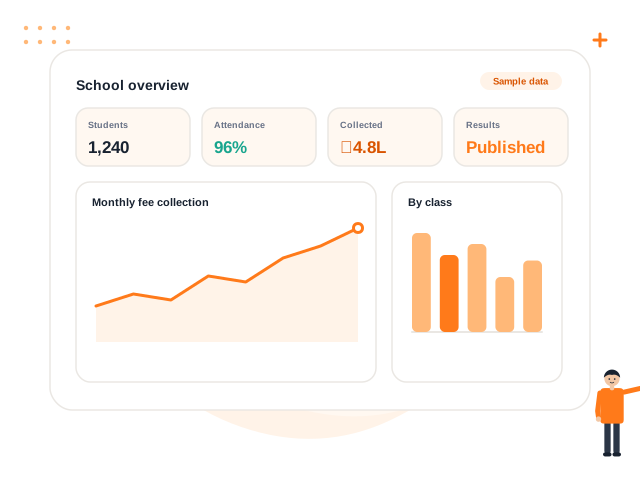
A single dashboard brings attendance, fees, examinations and announcements together.

Illustrative preview with sample figures. It is not live production data.

Feature showcase

Built around how schools actually work

Eight areas of school life, each designed to save time for the people doing the work.

01 · STUDENT MANAGEMENT

Every student record, organised and searchable

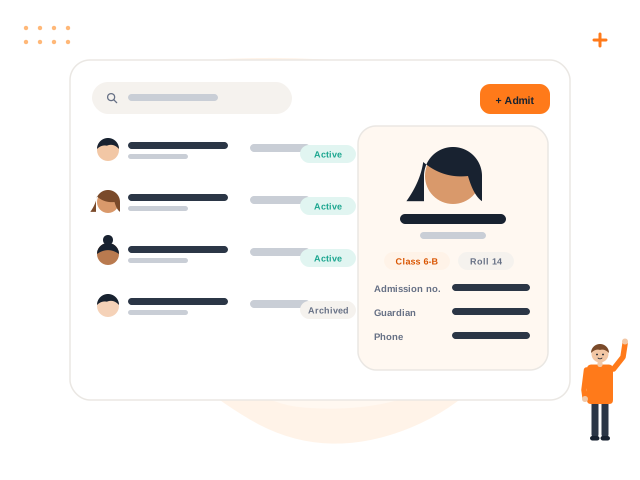
Admit students, link guardians, assign classes and keep each profile current from the first day to the transfer certificate.

  • Fast admission with guardian and class in one form
  • Search by name, admission number, phone or class
  • Bulk CSV import with row-by-row error checks
  • Archive students without losing fee or result history
Explore Student Management
Student list with search and a student profile card
02 · SMART ATTENDANCE

Mark a whole class in one screen

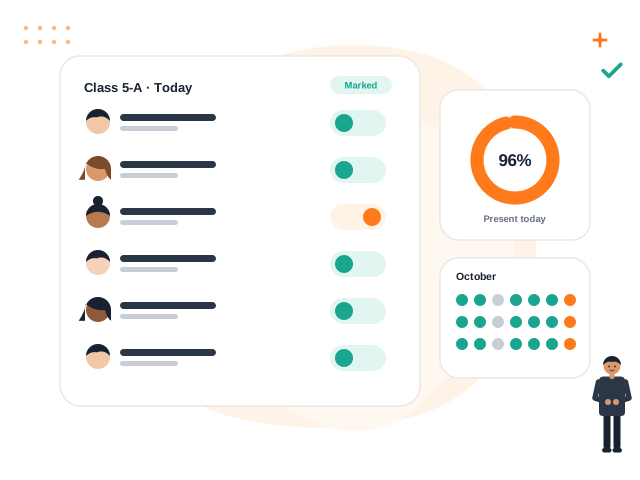
Teachers record present, absent, late, half-day or leave class by class, while administrators see the picture for the whole school.

  • Class-wise marking built for a busy morning
  • Present, absent, late, half-day and leave statuses
  • Monthly attendance reports
  • Reminders that respect school timings and holidays
Explore Smart Attendance
Class attendance sheet with a monthly summary
03 · FEES AND ACCOUNTS

Clear fee records from structure to receipt

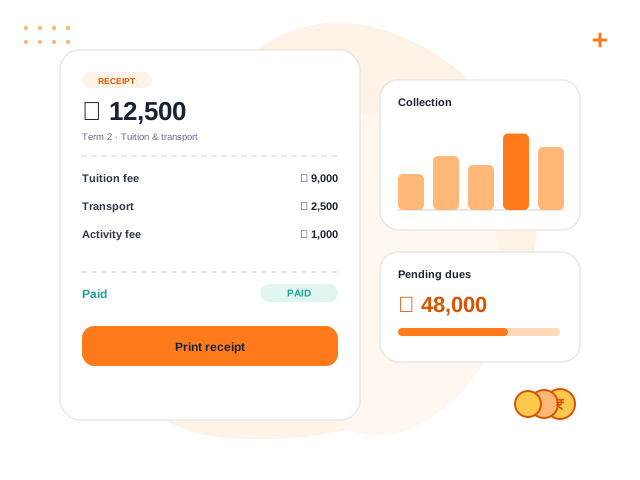
Define class-wise fee structures, collect full or partial payments and print receipts, with every payment traceable.

  • Class-wise structures and discounts
  • Partial payments and printable receipts
  • Pending-fees report by class
  • Controlled reversals instead of silent edits
Explore Fees and Accounts
Fee receipt with line items and a collection chart
04 · EXAMINATIONS AND RESULTS

From marks entry to published report cards

Set up exams per class, enter marks with validation, apply your grading scale and publish results only when every mark is in.

  • Exams and subjects defined per class
  • Marks entry with built-in validation
  • Grading scale, class results and ranks
  • Report cards published under your control
Explore Examinations and Results
Report card with subject marks and an A+ grade
05 · TEACHER AND STAFF MANAGEMENT

Staff records and timetables in one place

Keep employee details, designations and departments organised and give every teacher a clear weekly timetable.

  • Employee records, designations and departments
  • Daily staff attendance
  • Weekly teacher timetables
  • Roles that control what each staff member can do
Explore Teacher and Staff Management
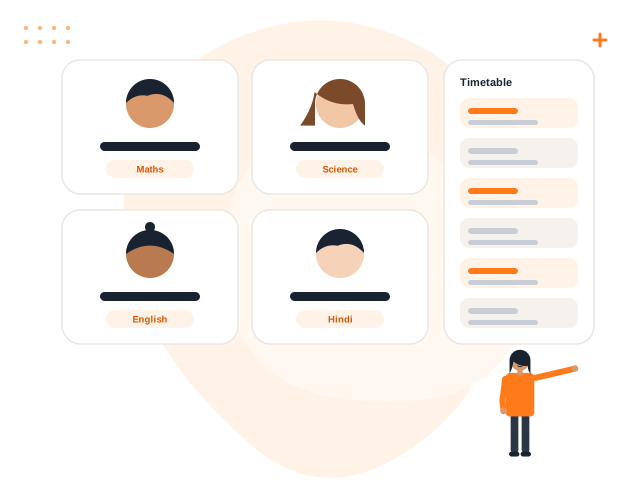
Teacher profile cards with a personal timetable
06 · PARENT COMMUNICATION

Families stay informed without chasing the office

Parents sign in once to see attendance, fees, receipts, homework, published results, notices and bus details for each child.

  • One parent login for all children
  • Notices and events for the right class
  • Fee balances and downloadable receipts
  • Notifications inside Volvoq today
Explore Parent Communication
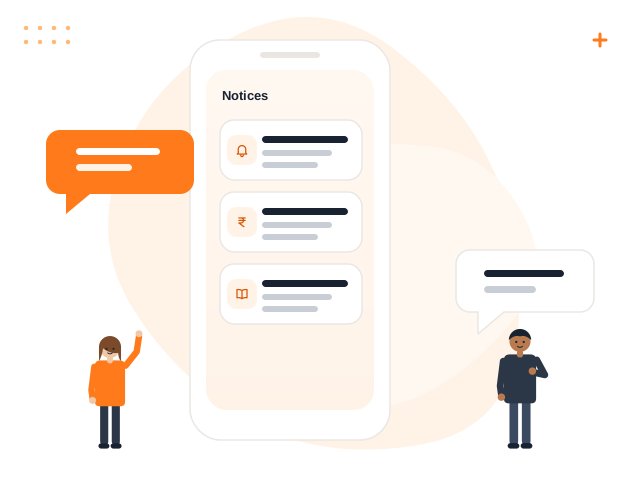
Parent notice list on a phone
07 · SCHOOL WEBSITE CMS Planned

A public website your school can update itself

Volvoq is being extended with a content system for the school’s public website: notices, events, admission information and contact details managed from the same place as the ERP.

  • Manage school information without a developer
  • Publish notices and events to the website
  • Admission information and contact content
  • Planned feature, not available yet
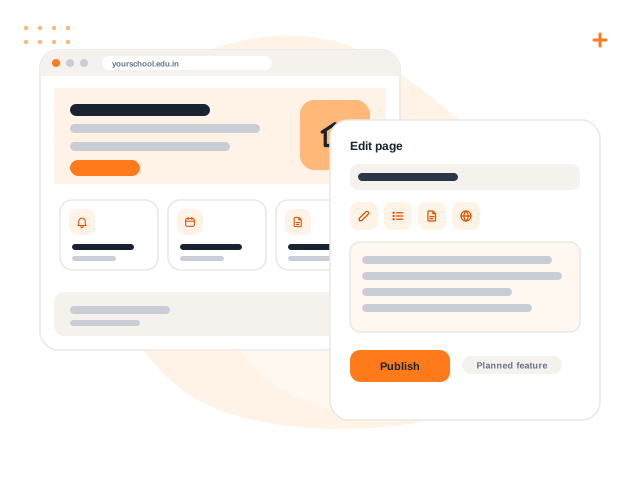
School website preview and a visual page editor
08 · REPORTS AND ADMINISTRATION

Visibility for the people who run the school

Dashboards and reports give principals and administrators a clear view, while roles, permissions and an audit trail keep control with the school.

  • School dashboard for students, attendance and fees
  • Pending fees, attendance and result reports
  • Custom roles and permissions
  • Audit history for important actions
Explore Reports and Administration
Analytics overview with KPI tiles and charts
School website CMS · Planned

Your school website, managed from Volvoq

A preview of the planned CMS: a public school website and a simple editing interface, next to the ERP your staff already use.

yourschool.edu.in
Welcome to Sample Public SchoolApply for admission
NoticesAnnual day on 20 Dec
EventsSports week
AdmissionsForms open
GalleryPhoto albums
AcademicsClasses 1 to 10
ContactOffice hours
Edit page · Admissions
Admissions 2027
Admissions are open for Classes 1 to 8. Collect the form from the office or …
Publish
Planned, not available yet. The preview above is a mock-up with sample text. Notices and events you publish inside Volvoq today are visible to your school’s users in the portals, not on a public website.

School informationPlanned

About, vision and key details

Notices and eventsPlanned

Share news with visitors

Admission informationPlanned

Dates, process and forms

Galleries and contactPlanned

Photos and office details

Role-based access

The right view for everyone in your school

People see only what their role allows: nothing more, nothing less.

Administrator

Sets the school up and controls access.

  • Create classes, sections, subjects and sessions
  • Add staff and define custom roles and permissions
  • Admit students and manage guardians
  • Review the audit trail of important actions

Principal

A clear picture of the whole school.

  • School dashboard with students, attendance and fee status
  • Publish exam results and view class rankings
  • Issue and revoke certificates with a full audit trail
  • Publish notices and schedule events and meetings

Teacher

Less paperwork, more teaching.

  • Mark class attendance in one screen
  • Assign homework and review submissions
  • Enter exam marks with built-in validation
  • See the personal timetable and upcoming events

Accountant

Every rupee traceable.

  • Collect fees and print receipts
  • Track pending dues by class
  • Record income and expenses across cash and bank accounts
  • Reverse or void with a reason, never silently edit

Parent

Always in the loop.

  • Attendance, homework and published results
  • Fee balances and downloadable receipts
  • School bus route, stop and timings
  • Notices and events for their child’s class

Student

Everything for the school day.

  • Homework with attachments and online submission
  • Marks and feedback from teachers
  • Published report cards
  • Notices and the school calendar
Benefits and outcomes

What a centralised platform gives your school

Outcomes depend on how a school uses the system. These are the improvements schools typically look for.

Organised administration

Routine tasks follow the same steps every day, whoever is on duty.

Centralised records

One student profile instead of copies across registers and files.

Better visibility

Principals and administrators see attendance, dues and results without asking around.

Easier communication

Notices, homework and results reach parents and students in one place.

How Volvoq works

From first call to a running school in four steps

Book a demo

See the modules that matter to your school and ask anything, including what is not available yet.

Register your school

Submit a short application. The Volvoq team reviews it and activates your school with a plan or trial.

Set up in minutes

Your owner gets a secure password link. Add classes, sections, staff and students, or import students from a CSV.

Run the school daily

Attendance, fees, homework, exams and notices flow to teachers, parents and students.

Integrations and communication

What works today, and what is coming next

We list a capability as available only when it works. Planned items are marked clearly.

In-app notifications Available

Available: notices, reminders and alerts appear inside Volvoq.

CSV student import Available

Available: import students with a downloadable template and row-by-row checks.

WhatsApp, SMS and email delivery Planned

Planned: send school messages outside the app.

Online fee payment Planned

Planned: pay fees online. Fees are recorded by the school today.

Excel exports Planned

Planned: download reports as spreadsheets.

Bank reconciliation Planned

Planned: match accounts with bank statements.

On the roadmap

Library management SoonLeave management SoonHR & payroll SoonPhoto gallery SoonSchool website CMS SoonQuestion paper builder SoonWhatsApp, SMS & email delivery SoonExcel exports SoonBank reconciliation Soon
Manual process vs ERP

Registers and spreadsheets, compared with one platform

Manual workflow

  • RecordsPaper registers and separate spreadsheets
  • AttendanceMarked on paper, totalled by hand each month
  • FeesReceipt books; dues found by searching ledgers
  • ResultsMarks copied between sheets before report cards
  • CommunicationCalls, chat groups and printed circulars
  • AccessAnyone with the file sees everything

With Volvoq

  • RecordsOne searchable profile per student, linked to guardians
  • AttendanceClass-wise marking with monthly reports
  • FeesStructures, receipts and pending dues by class
  • ResultsMarks entry, grading and controlled publishing
  • CommunicationNotices, homework and results in the portals
  • AccessRole-based permissions and an audit trail
School types and use cases

Designed for schools of different shapes

These are the kinds of institutions Volvoq is built to support.

Independent schools

One campus that wants records, fees and exams in order.

Chains, branches and trusts

Several schools on one platform, each with separate data, roles and subscription.

Schools with bus transport

Routes, stops, vehicles and seat allocation alongside fees.

Growing schools

Capacity packs add students or staff without changing plan.

Schools improving parent communication

Notices, homework and results in a parent portal.

Schools moving off paper

Import existing students from CSV and begin with attendance and fees.

Product interface gallery

A closer look at the screens

Illustrations of key screens using sample data.

Dashboard overview with KPI tiles and charts
DashboardOverview of students, attendance and fees
Student list and profile card
Student profileRecords, guardian and class details
Attendance sheet
AttendanceClass-wise marking and monthly view
Fee receipt and dues
Fee managementReceipts and pending dues
Report card with grades
ExaminationsMarks, grades and report cards
School website and editor mock-up
School website CMS (planned)Preview of the planned editing interface
About Volvoq

One platform for the work that keeps a school running

Volvoq is a school ERP and CMS platform for schools in India. It brings student records, fees, attendance, examinations, homework, transport, notices and parent portals into one web application, and is being extended with a school website CMS.

About Volvoq
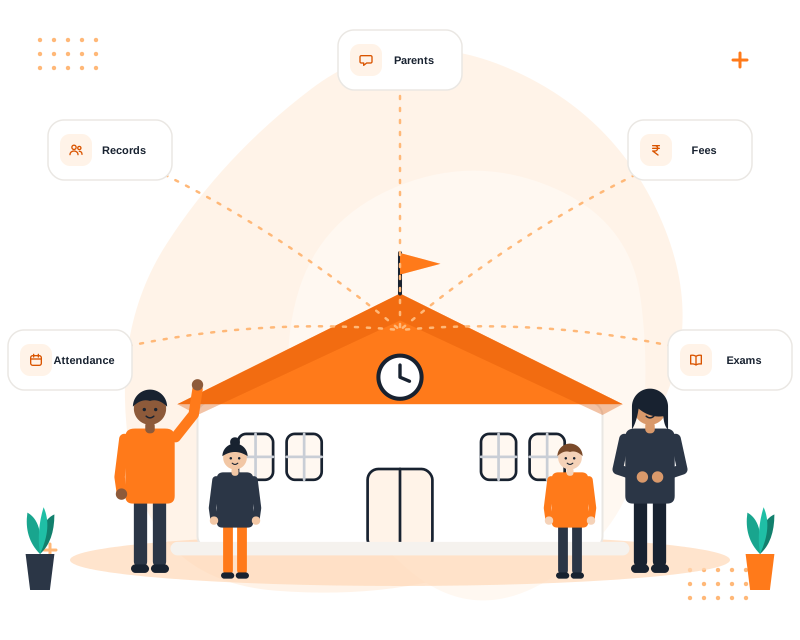
A school building connected to records, fees, attendance, exams and parent communication
Latest insights

Ideas for smarter school management

Practical reading on school ERP, attendance, fees, admissions and communication.

School ERP

What Is School ERP Software? A Practical Guide

School ERP software connects admissions, attendance, fees, exams and communication in one system. Learn what it does, who uses it and what to check be...

4 min read
Fees & Accounts

School Fee Management Best Practices

Clear fee structures, controlled concessions, numbered receipts and regular reconciliation make fee collection smoother for schools and families alike...

4 min read

View All Articles

Demo and plans

Plans sized to your school, shown in a demo

Volvoq plans (Basic, Premium and Platinum) depend on student and staff capacity and the modules you need. Book a demo and we will recommend the right fit.

FAQ

Questions schools ask us

What is Volvoq?
Volvoq is a school ERP and management platform. It covers student records, attendance, fees, exams and report cards, homework, transport, certificates, events, notices and parent and student portals in one web application.
Who is Volvoq for?
Independent schools, school chains and trusts in India that want one system for administration, teachers, accountants, students and parents. Many schools can run on the platform, each fully separate.
Is one school’s data visible to another school?
No. Every school has its own isolated data, roles, settings and subscription. Records from other schools cannot be opened by changing a link or request.
Does Volvoq work on a phone?
Yes. Volvoq runs in any modern browser on mobile and desktop. A dedicated mobile app is not available yet.
Can we pay fees or send WhatsApp messages from Volvoq?
Online fee payment and WhatsApp, SMS and email delivery are on our roadmap and are not available yet. Fees are recorded by the school, and notifications appear inside Volvoq today.
Does Volvoq include a school website CMS?
Not yet. A school website CMS is on our roadmap and is not available today. Notices and events you publish in Volvoq are shown to your school’s users inside the portals.
Can we import our existing students?
Yes. Upload a CSV using the downloadable template. Volvoq shows errors row by row and imports only when every row is valid.
How do we get started?
Book a demo. We will walk you through the modules, answer your questions and help you register your school. New schools are reviewed and activated by the platform team.
Ready when you are

Ready to run your school on one smart platform?

Book a free demo. We will show you the modules your school needs and help you get started.