
One school calendar for events, meetings and holidays
Schedule events and meetings for exactly the right people, avoid venue clashes, and let reminders go out automatically before the day.
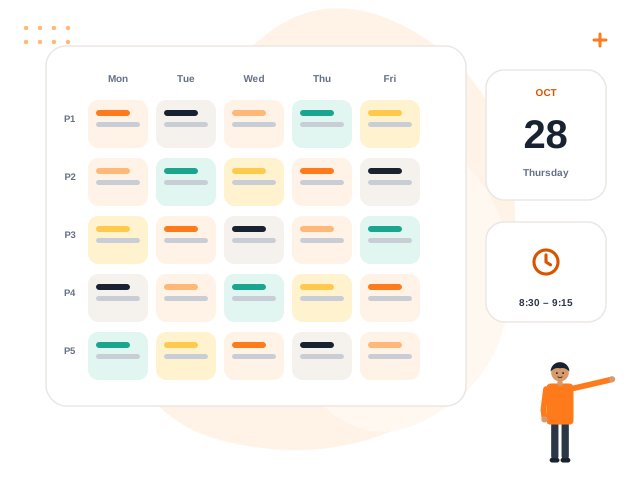
What you get with Events & Calendar
Three calendar views
Month, week and list views with holidays and closures overlaid.
Right audience
Invite everyone, students, parents, staff or a single class — never more.
Meetings
Parent meetings go to parents or a class; teacher and staff meetings go to staff only.
Venue clash check
The same venue cannot be double-booked.
Reminders
In-app reminders go out from one hour to one week before, in your school’s timezone.
Cancel with a reason
Cancelled events notify the invited audience once.
How it works
Create the event
Add time, venue and audience.
Invite
People are notified immediately.
Remind
Automatic reminders go out before the event.
Update
Reschedule or cancel with a reason; everyone is told.
Events & Calendar: frequently asked questions
Can parents see events?
Do reminders go to everybody?
Are holidays shown?
Can we get RSVPs?
Works great with
See Events & Calendar in action
Book a free demo and we will show you exactly how it works for your school.