
Student management that keeps every record clean, searchable and safe
From admission to promotion, Volvoq keeps each student’s profile, guardians, class, roll number and history in one place — with plan-based capacity limits and school-level data isolation.
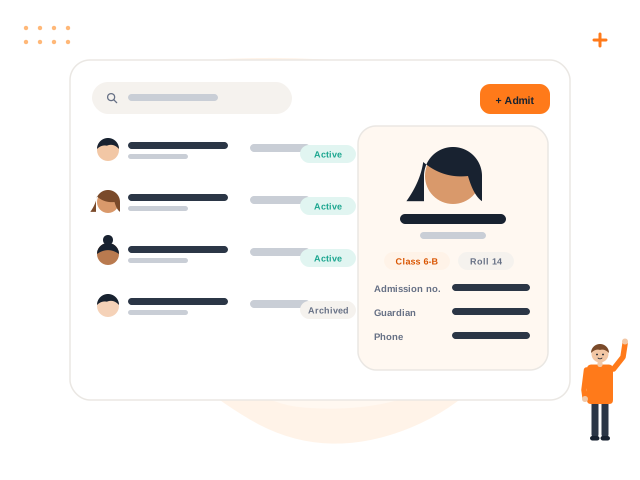
What you get with Student Management
Fast admission
Add a student with guardian and class in one form. Admission numbers can be generated automatically.
Search and filters
Find students by name, admission number, phone, class or status in seconds.
Bulk CSV import
Upload a sheet, see row-by-row errors, and import only when every row is valid. Nothing is half-saved.
Private photos
Student photos are stored privately and shown only to people allowed to see them.
Archive, never lose history
Archived students keep their fee, attendance and result history intact.
Capacity that matches your plan
Your student limit is enforced safely, even when two staff add students at the same time.
How it works
Add or import
Create students one by one or import a CSV with the downloadable template.
Assign class
Place each student in a class, section and roll number for the active session.
Connect families
Add guardians and give students or parents their own login.
Manage the year
Transfer, archive and issue certificates without losing history.
Student Management: frequently asked questions
Can we import existing student data?
Is there a limit on the number of students?
Can parents and students log in?
What happens when a student leaves?
Works great with
Academics & Timetable
Sessions, classes, sections, subjects, holidays and clash-free timetables.
Learn moreFee Management
Structures, partial payments, receipts, reversals and pending dues.
Learn moreParent Portal
Attendance, fees, receipts, homework, results, notices and transport for parents.
Learn moreSee Student Management in action
Book a free demo and we will show you exactly how it works for your school.