Choosing school management software is a decision that your staff will live with every day for years. Feature lists in brochures tend to look alike, which makes comparison hard. A better approach is to begin with your school's real problems, decide what matters most, and test each product against those priorities. This guide gives you a practical checklist.
Begin with your own needs
Before speaking to any vendor, write down:
- The tasks that take the most staff time today.
- The mistakes that happen most often.
- The questions the principal cannot currently answer quickly.
- The people who will use the system and how comfortable they are with computers.
Rank these. A handful of well-solved priorities is worth more than fifty features you never use.
Core features to evaluate
| Area | Questions to ask |
|---|---|
| Student records | Can you import existing students? Are guardians and class history stored? |
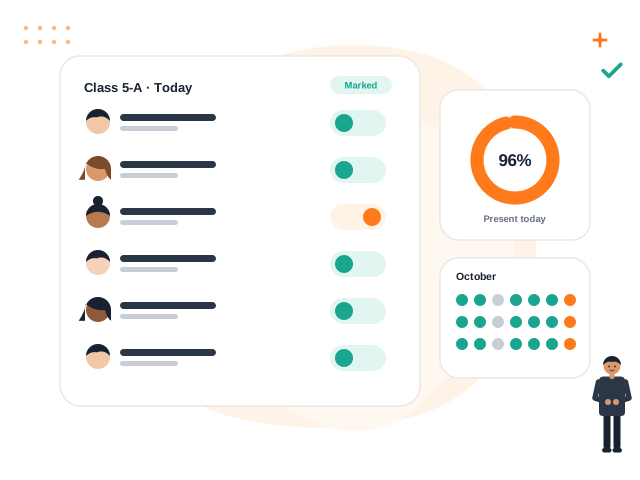
| Attendance | Is marking quick for teachers? Are summaries available by class and date? |
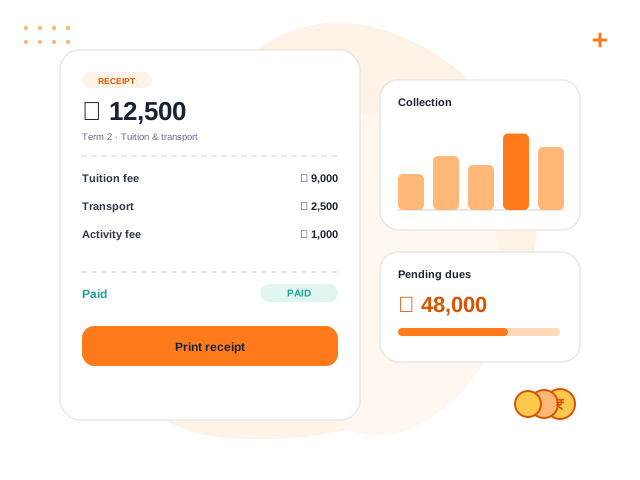
| Fees | Can you define fee heads, concessions and dues? Are receipts numbered? |
| Exams | Does marks entry validate values? Can report cards match your format? |
| Homework and notices | Can parents and students see them easily? |
| Transport and certificates | Do you need them, and are they supported? |
| Reports | Which reports are included, and can they be exported? |
Ask the vendor to demonstrate your own scenario, such as "collect a part payment for a student with a sibling concession", rather than a generic walkthrough.
Tip: Prepare three realistic scenarios from your school and ask every vendor to walk through the same ones. Comparing identical demonstrations is far more useful than comparing slide decks.
Look beyond features
Ease of use. If teachers find the system slow or confusing, they will return to paper. Ask a few teachers and an accountant to try it for an hour.
Roles and permissions. Check that you can limit what each role sees and does. A parent should see only their own child, and a teacher should not see accounts.
Data separation and privacy. If the product serves many schools, ask how each school's data is isolated. Ask who can access your data on the vendor side.
Audit trail. Important actions, such as cancelling a receipt or changing marks, should leave a record of who did it and when.
Backups and continuity. Ask how often data is backed up and how it can be restored.
Support. Find out how to reach the vendor, how quickly they respond and whether training is included.
Check what is and is not available
Be direct about gaps. Ask the vendor to list what the product does not do today, including features that are planned but not yet built. A vendor who separates "available now" from "planned" is easier to trust than one who says yes to everything. Do not base a purchase on a feature that does not yet exist.
Typical gaps to ask about include online payments, messaging integrations, a mobile app, library, payroll and a public website. Decide which of these are essential for you.
Understand the cost
Pricing models vary. Some charge by student count, some by modules, some by a combination. Ask:
- What is included in the base price and what costs extra?
- What happens when your student count grows?
- Is there a charge for setup, data import or training?
- What happens to your data and access if you stop paying?
Get the answers in writing so you can compare like with like.
Plan the rollout
A good product still fails without a good rollout.
- Choose one person to own the project.
- Clean your data before importing it.
- Start with one or two modules, such as students and attendance, and add more later.
- Train every user group separately and give them short written guides.
- Review after the first month and fix pain points quickly.
Make the decision
Score each shortlisted product against your ranked priorities, record notes from the trial, and involve the principal, accountant and a couple of teachers in the final choice. The right product is the one your own staff will actually use.
Volvoq is one option to consider. It covers student records, attendance, fees, exams, homework, notices, events, transport, certificates, parent and student portals and role-based access, and it lists planned features separately on its roadmap. Book a demo and bring your own scenarios.
Bring this into your school with Volvoq
Volvoq is a school ERP for student records, attendance, fees, exams and parent portals. Book a demo to see how it could fit your school.
Book a Demo